The free, private daily to-do listToday, or mañana.
mañana is a simple to-do list app for iPhone, iPad and Mac that keeps you focused on today. Write down what you want to do. Anything you won’t get to, swipe to mañana (tomorrow). Each morning, decide again. No backlog, no projects, no due dates.
 Download on theApp Store
Free. No account, no ads, no tracking.
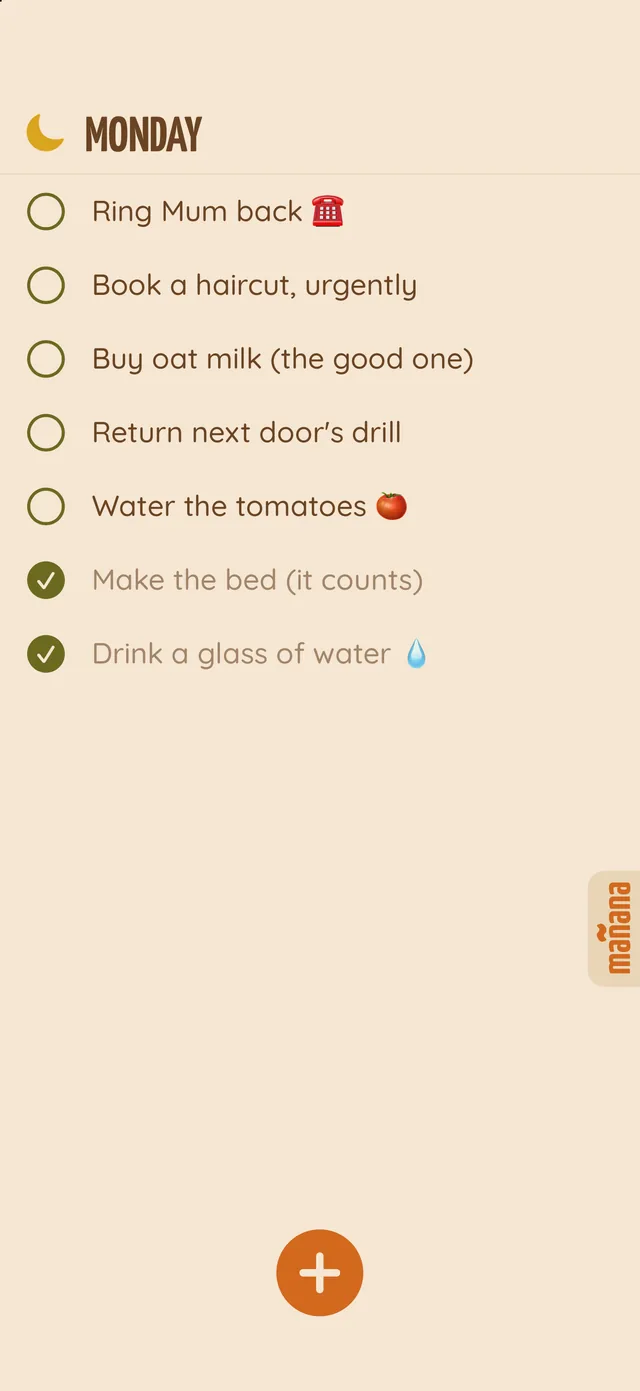
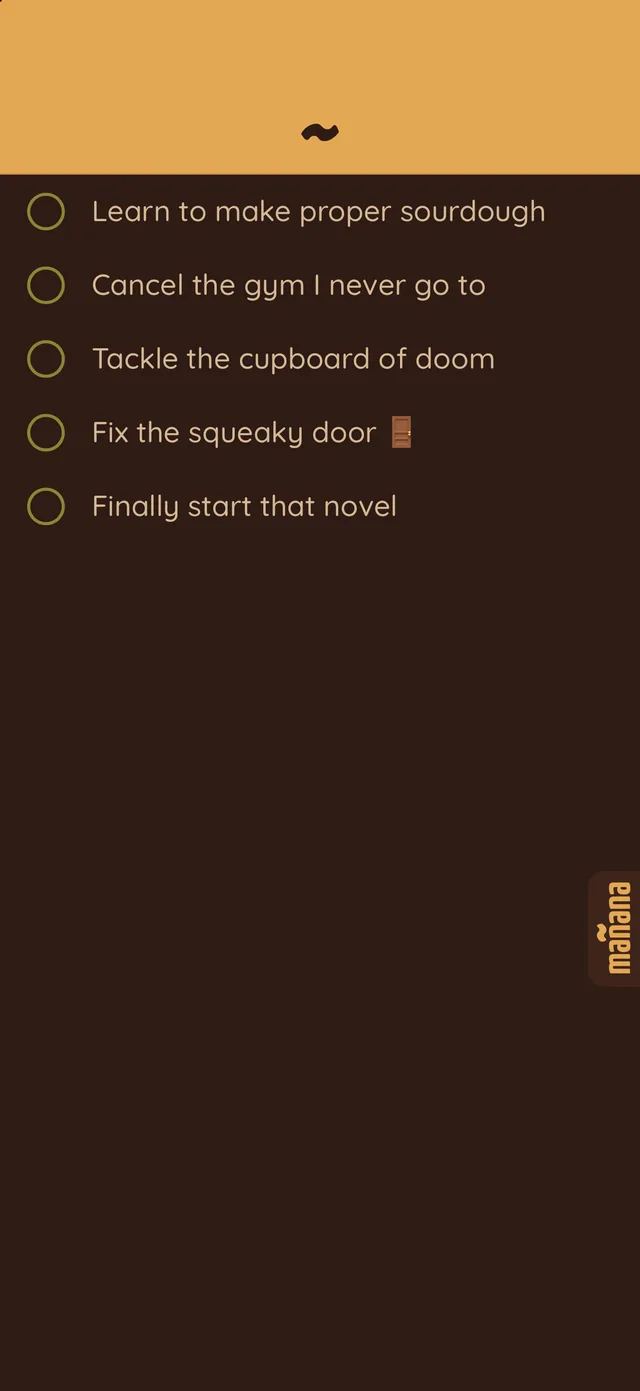
Do it today. Or don’t.
mañana keeps two lists, today and tomorrow, so you only ever look at what matters now. Nothing quietly piles up.
-
Morning to evening
Write down today
Add what you want to get done. Tick things off and they drop to the bottom. New in 3.0, long-press to drag items into order.
-
Whenever it’s not happening
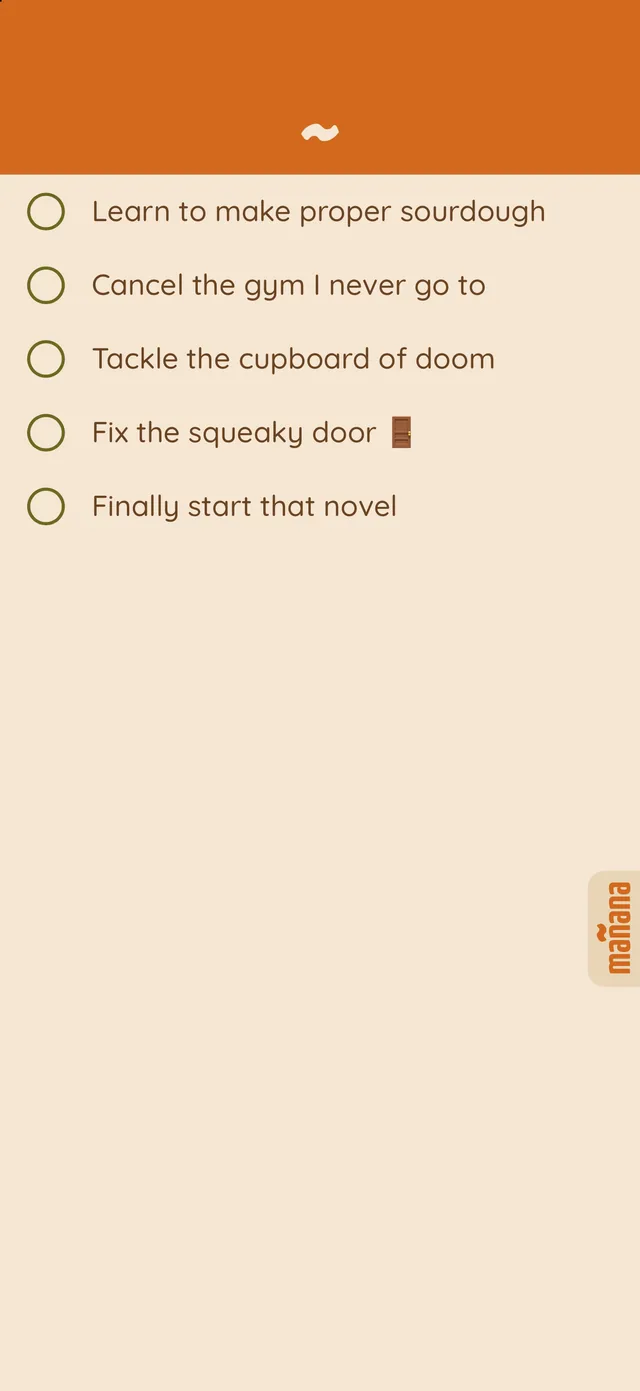
Not today? Swipe it to mañana.
Swipe left to move an item to tomorrow, or right to delete it. It’ll be waiting for you in the morning.
-
Next morning
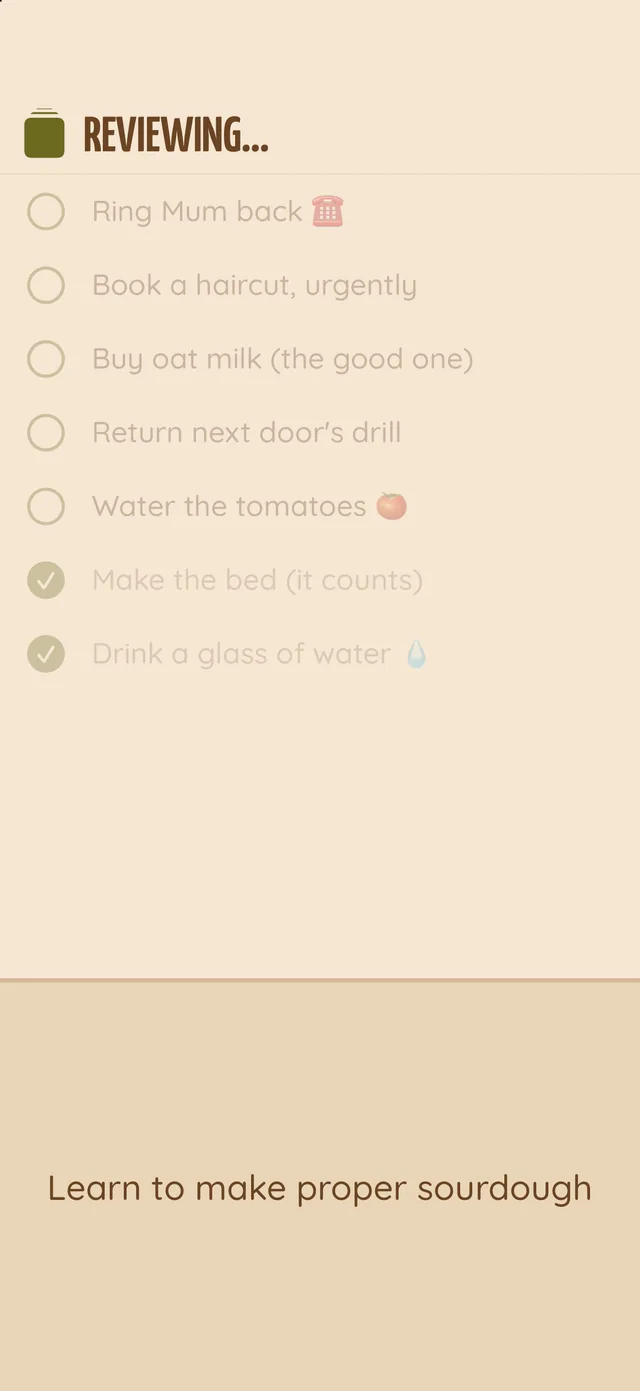
A gentle review
Go through yesterday’s mañana items one at a time. Swipe up to do it today, left to leave it for mañana, right to delete.
A to-do list for today, not for ever.
Who it’s for
People who want a calm, personal list for the day ahead: errands, life admin, small jobs at work, the things you keep meaning to do. It suits anyone who has opened a to-do app, seen sixty overdue tasks and closed it again.
How it differs from bigger to-do apps
Apps like Microsoft To Do, Todoist or Apple Reminders organise tasks into lists, projects and due dates, and unfinished tasks wait there until you deal with them. mañana only has today and tomorrow. Putting something off is a deliberate choice you make again each morning, so your list stays short and honest.
What it leaves out
No due dates, reminders, tags, projects or shared lists. If you need those, a bigger app will serve you better. If you’ve stopped using them anyway, mañana might be what you were after.
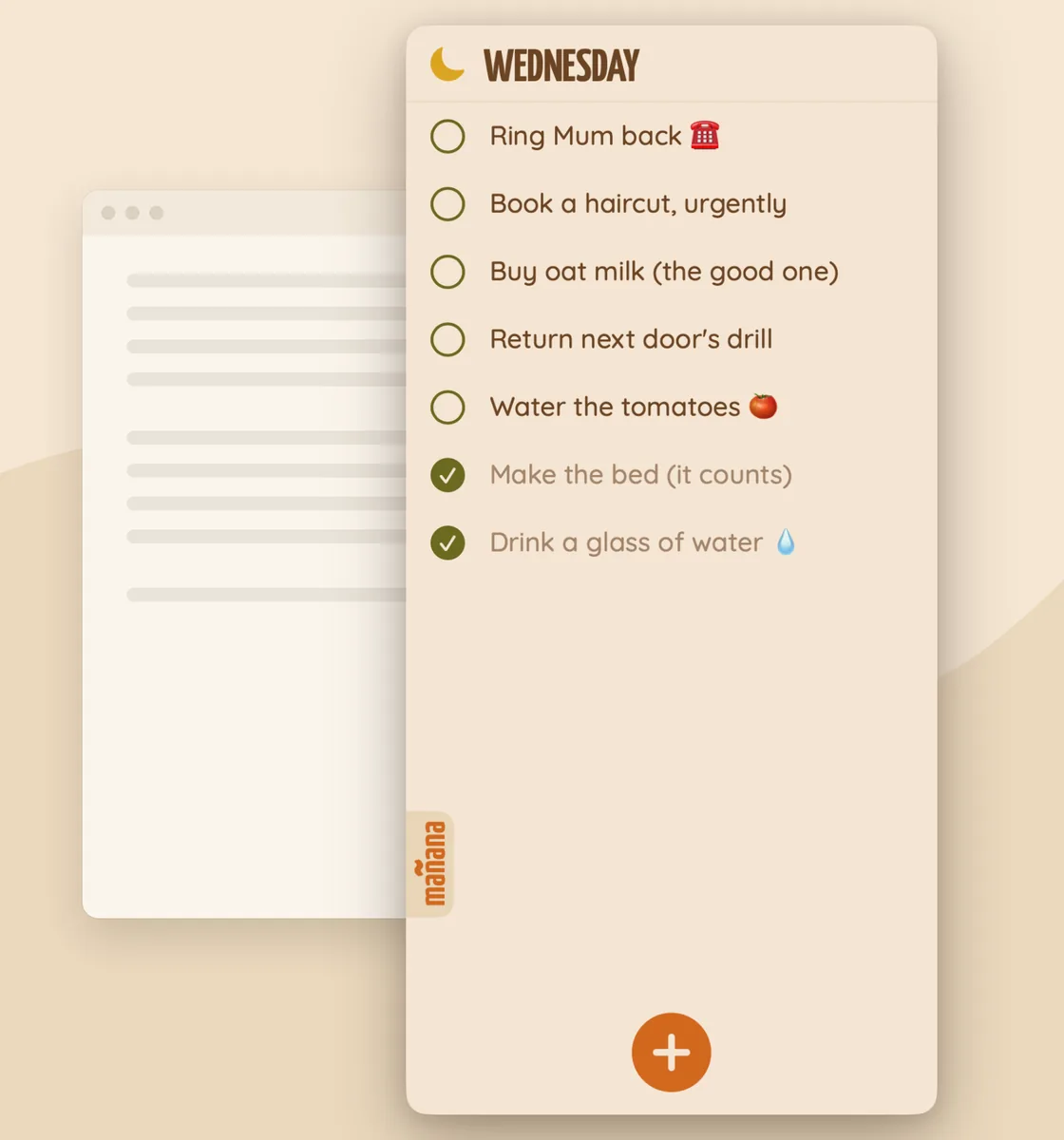
mañana, now on Mac.
Keep a slim, tall window beside your work. Your list stays in step across all your devices with iCloud.
iPhone ↔ iPad ↔ Mac
- Synced with iCloudAdd something on your Mac and it’s on your iPhone and iPad too.
- In your menu barYour list is one click away, whatever you’re doing.
- Add from anywherePress ⌃~ to jot down an item without switching apps.
- Swipe or shortcutTwo-finger swipe, or press ⌘→, to move an item to mañana. Drag to reorder.
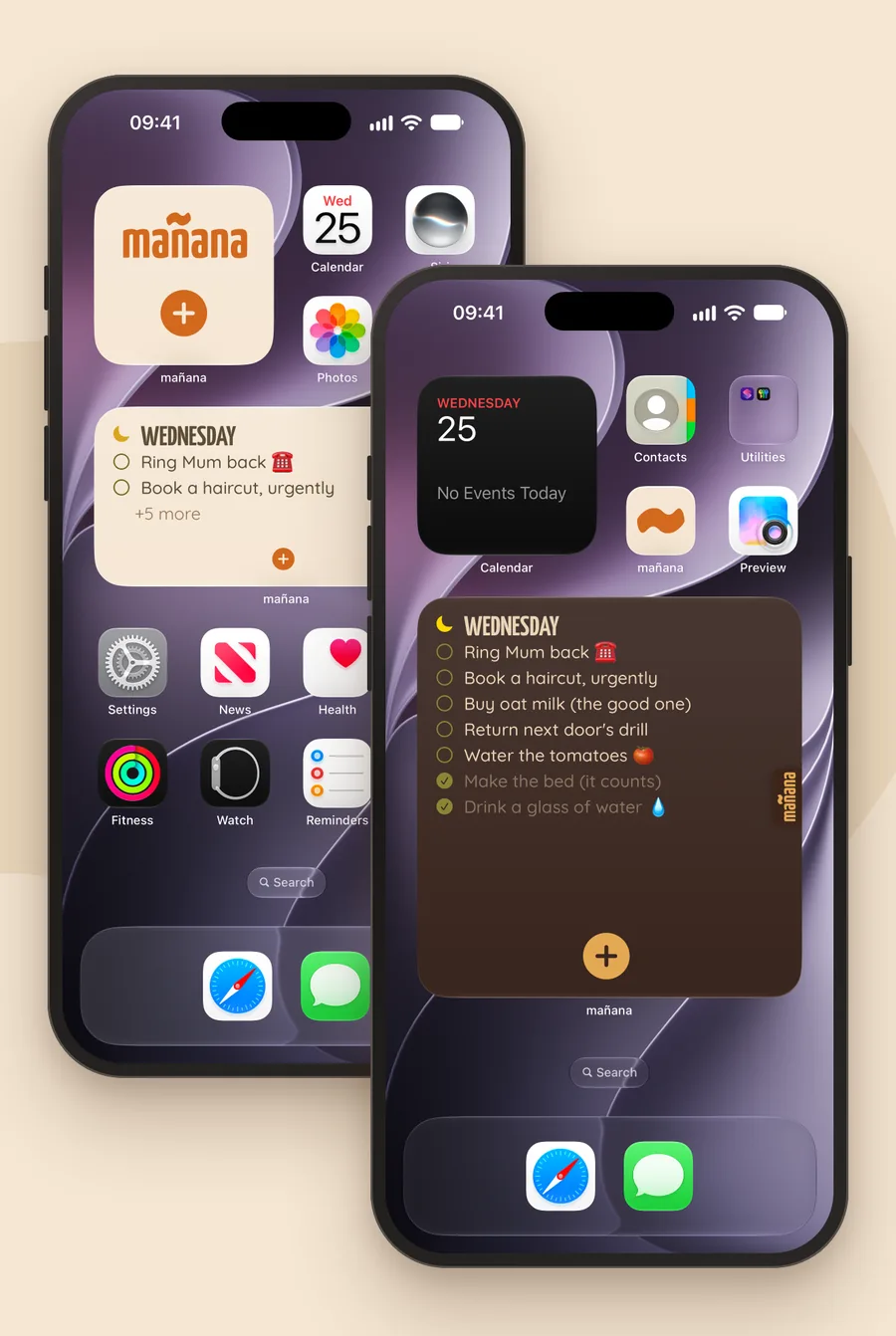
Three looks. Light or dark.
Original is warm cream and terracotta. Modern is clean and bright, with Liquid Glass. Retro is pixel-ish and soft blue. Each comes in light and dark, and you can switch whenever you like.
Original is warm cream and terracotta, the mañana you know.
Simple. Private. Yours.
No account
No sign-up, no login and no email address. Download it and start writing your list straight away.
Nothing collected
No analytics and no tracking, in the app or on this website. Your tasks stay on your devices and in your own iCloud. How mañana keeps your list private.
No ads, free to use
mañana is free, with nothing to unlock and no adverts. What “free” means here.
Enjoying it? There’s an optional “buy me a cup of tea” tip inside the app. It unlocks nothing and is entirely up to you.
The short answers.
What is mañana?
mañana is a free, privacy-first daily to-do list app for iPhone, iPad and Mac. Each day you write down what you want to get done. Anything you won’t get to, you swipe to mañana (tomorrow), and each morning you review those items and decide again. There are no projects, tags or due dates to manage.
Is mañana free?
Yes. mañana is free to download and use, and every feature is included. There’s an optional “buy me a cup of tea” tip inside the app. It unlocks nothing and is entirely up to you.
Does mañana require an account?
No. There’s no sign-up, no login and no email address. Download it and start writing your list straight away.
Does mañana collect personal data?
No. mañana collects no data at all: no analytics, no tracking and nothing sent to the developer. Your tasks are stored on your device and, if you use iCloud, in your own private iCloud account, which the developer can’t see.
Is mañana an alternative to Microsoft To Do?
For personal, day-to-day task lists, yes. mañana is a simpler alternative for people who used Microsoft To Do on their own and want to focus on today. It doesn’t replace To Do’s shared lists, due dates, reminders or work features, and it isn’t affiliated with Microsoft. Microsoft has announced that the Microsoft To Do apps will retire on 30 June 2027, on the web, Windows, Mac, iOS and Android, for both work or school accounts and personal Microsoft accounts.
Is mañana suitable for managing team projects?
No. mañana is a personal list. It has no shared lists, assignments, due dates or project views, so a team is better served by a dedicated project or team task tool.
Get stuff done… tomorrow!
Free on iPhone, iPad and Mac. No account, no ads, no tracking.
Download on theApp Store